A VPN is often used to access websites and data restricted to your current location. Besides that, users may want to use a VPN simply to try and stay anonymous online and prevent anyone from tracking their browsing activities. Finding a good VPN client for Android can be tough, so let's take a look at an example!
Connecting and server selection
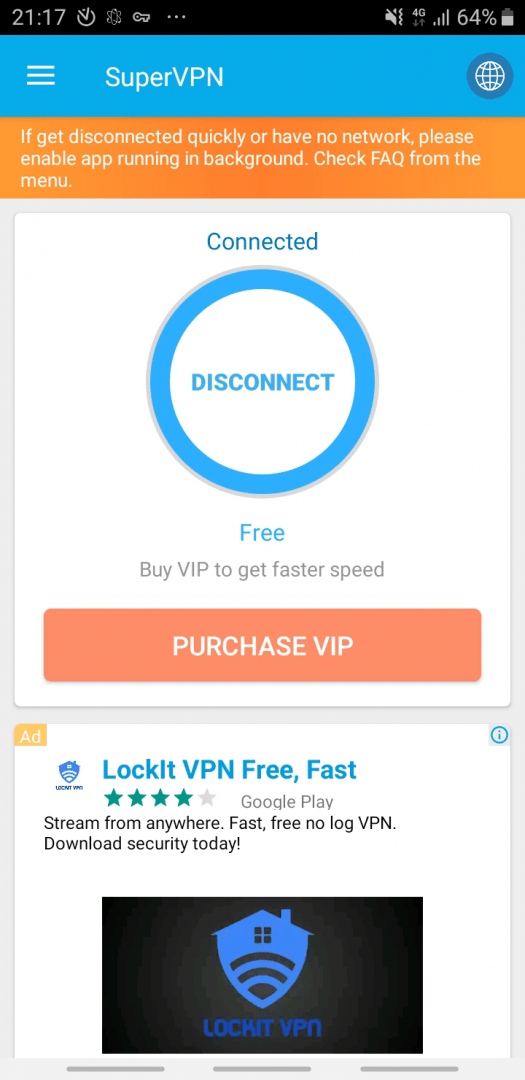
SuperVPN is quite simple. It's available as a free download. As soon as you open it, you are greeted with the 'VPN is ready' screen. Tapping it initiates the connection immediately. There is a globe icon at the top right corner of the window. Tapping it opens a list of countries you can use as your 'fake' address. All countries can be used in the free version except for specific premium locations like Hong Kong.
Background performance and app routing
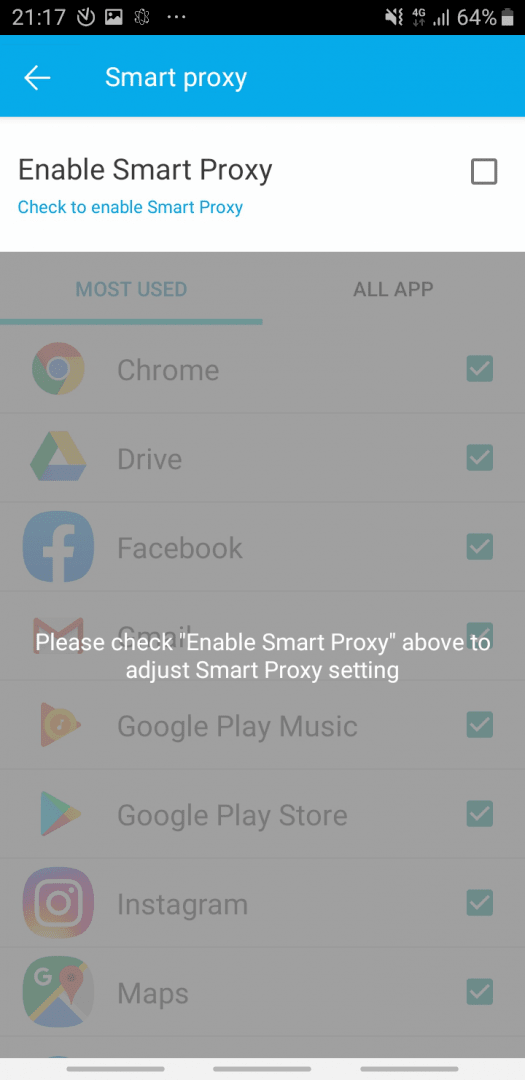
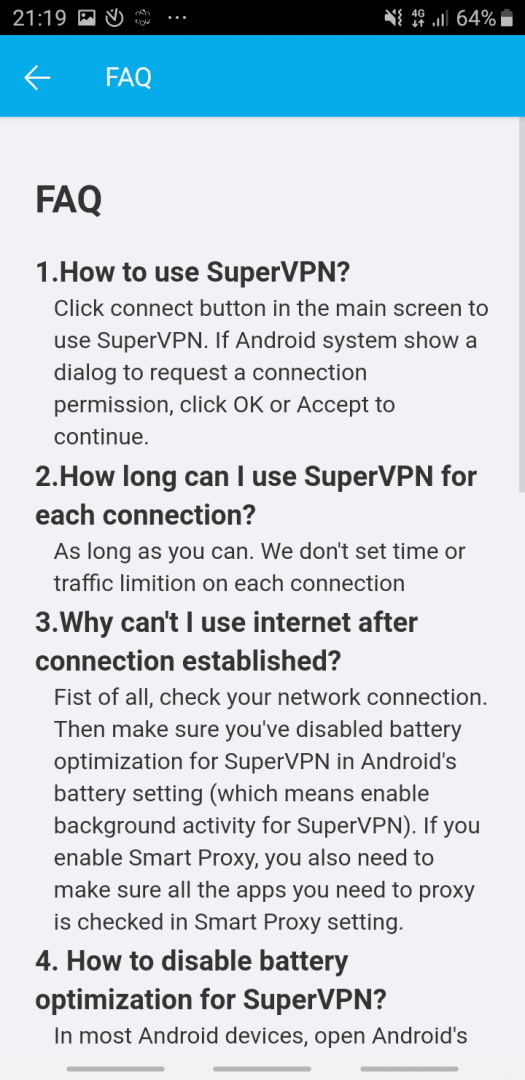
You should allow SuperVPN to run in the background without battery restrictions in order to make the most out of the app. There are no limits to how long you can stay connected to the VPN, which is definitely a plus. Also, there is a useful option called Smart Proxy. This can help you use SuperVPN for only a couple of apps on your phone while others connect directly through your standard network. This is very useful if only a certain app is blocked for your location.
Monetization and premium upgrades
There are plenty of ads you will encounter while using SuperVPN, and they can sometimes be intrusive. However, you only need to tap the connect button and you can minimize the app. All in all, the app is good, it works as advertised, and you probably don't even need to pay for the Pro version, which drops the advertisements and provides faster connection speeds.
Vedin Klovo
App tester and reviewer
★★★★★
★★★★★
Pros
Free to use with no session time limits
Quite a simple interface
Several different locations for your VPN connection
Smart Proxy enables the use of the VPN for specific apps only